Design in Dialogue SmartDesignAgent
- Describe design tasks in Creo Parametric in plain language – the AI carries them out
- Based on a token-optimized framework with 25 years of practical experience.
- Runs locally in Creo, with an MCP-capable AI assistant of your choice
- Available für Creo 4 and higher
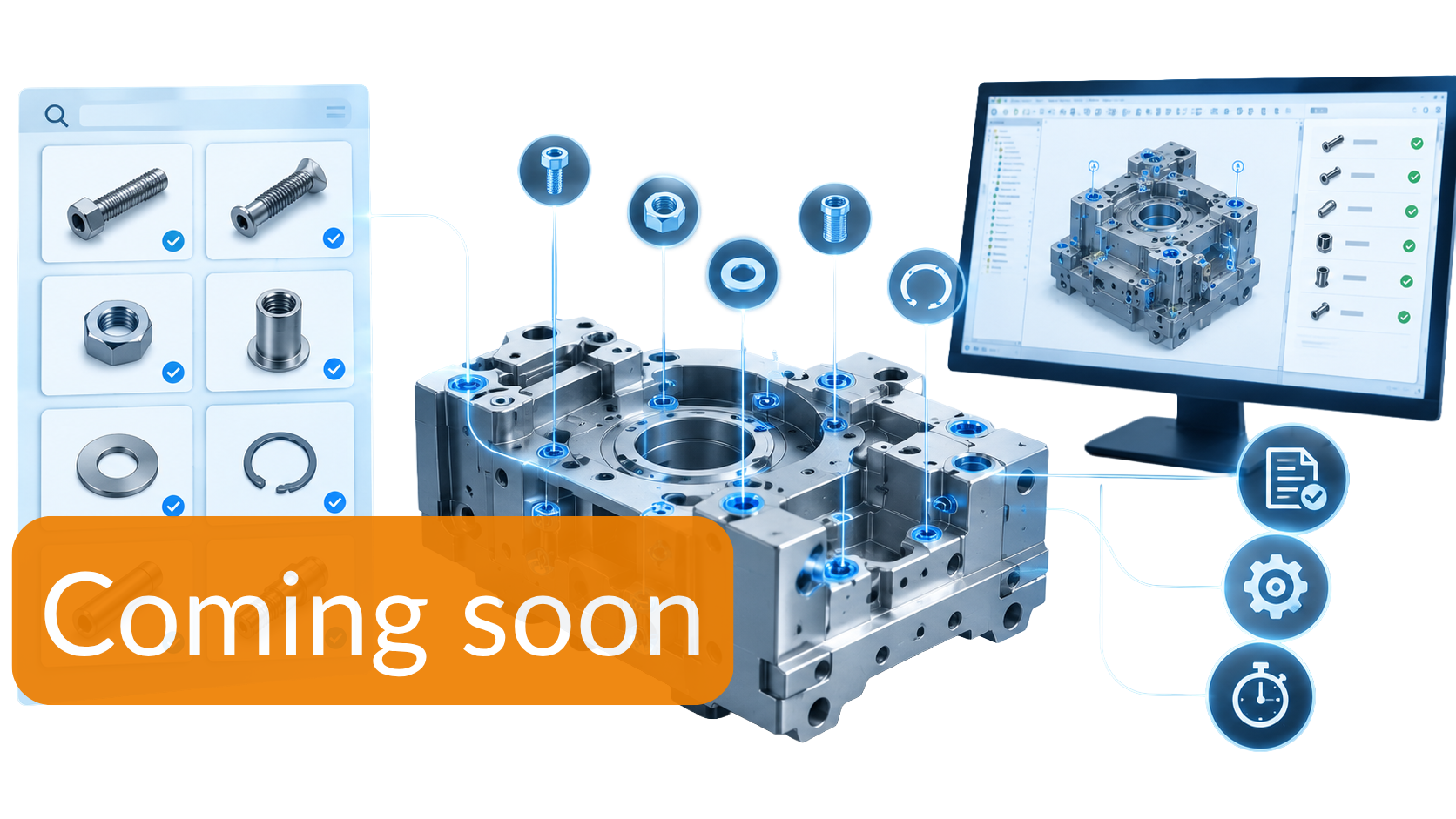
Benefits for your company
The SmartDesignAgent connects Creo Parametric with an AI assistant. You describe the task, for example building a part from a drawing or checking an assembly for missing parameters.
The AI does it directly in your Creo session: it writes scripts in the proven SmartAssembly script language, runs them, checks the result and corrects itself where needed.
Recurring workflows can be captured as agents. These are instruction files that turn an AI session into a specialist for one particular task. Design knowledge stays in your company and is available to every user.
You stay in control. Functions that reach outside of Creo are locked until an authorized administrator releases them with the AllowlistEditor. These include, for example, file and database access, Office applications and the PDM system.
-

Natural
You describe what you need – no scripting knowledge, no searching through menus.
-

Timesaving
The AI takes over routine work such as remodelling, checking or renaming, so you can focus on the actual design.
-
Controlled
Only administrators grant releases. The server runs locally and can only be reached from your own computer.
-

Integrated in Creo
The AI works with native Creo features. The result are parametric models. You continue to work with as usual.
You want to learn more about our SmartDesignAgent?
Have we piqued your interest?
If so, please feel free to request more information here:
Use Cases
-
From drawing to Creo model with design intent
-
Converting third-party data (STEP, other CAD systems) into native Creo models
-
Cable routing in plant engineering
-
Kinematic simulation, shown on an injection mould
-
Building sheet metal parts from a drawing
-
Checking and cleaning up existing data: parameters, names, materials
-
Tracing cooling circuits and exporting them as a flow model for simulation