Align Base with Selected Surface
Benefit This enhancement allows users to align C angle of base with a selected reference. The automatic recentering avoids manual measuring of base position.
Usage
- Initial state
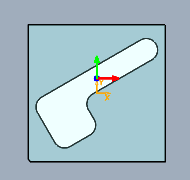
- Open user interface Base.
- Activate context menu command Align base to surface in input for angle C.
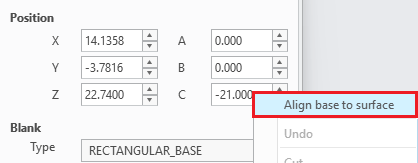
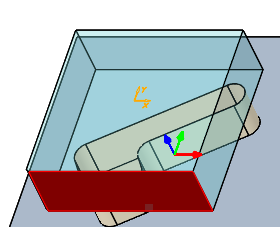
- Select base surface to align.
- Select reference surface or datum plane to align with.
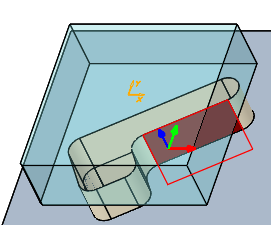
- Result
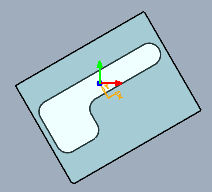
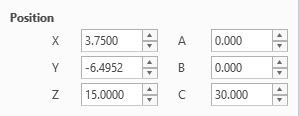
- Wie gewohnt mit der Bearbeitung der Basis fortfahren und abschließend mit OK bestätigen.
Note
Alternatively users can input C and double-click notification Base not centered on solid on tab General to update position.

Availability
- Creo Parametric 13.0 – SMARTElectrode 19.4.0.0
- Creo Parametric 12.4 – SMARTElectrode 18.4.3.0
- Creo Parametric 11.0 – SMARTElectrode 17.0.7.0
- Creo Parametric 10.0 – SMARTElectrode 16.0.6.0
- Creo Parametric 9.0 – SMARTElectrode 15.1.12.0
This could be interesting for you
-

Nordic MBE Forum in Västerås
-

New Creo Version available
-

Review: PTC/USER 2026
-

Fachkonferenz Digitalisierung 2026 in Stuttgart
-

Join us at PTC/USER Global Summit 2026
-
Review: User Meeting – Toolmaking in Creo 2025
-

Future of B&W has begun
-

No security alert of B&W License Server 11.19.1.0 regarding lmadmin
-

Potential issues in running B&W Software products in Creo 9.0 and 10.0
-

Meet us at the PTC/USER Global Summit 2024 in Orlando!
-
User Event Tooling 2023
-

Successful Windchill implementation project
-
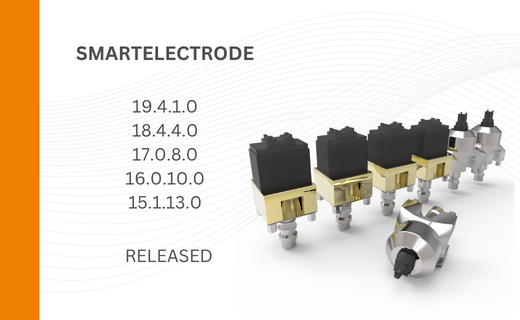
New SMARTElectrode Versions released
-
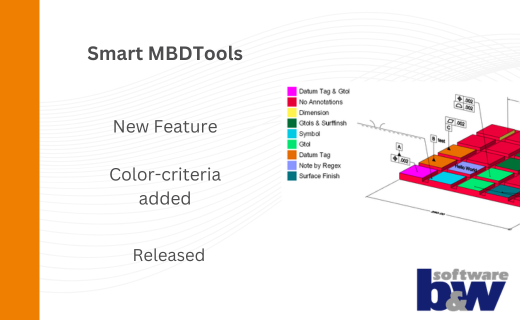
New Color-criteria in SmartMBDTools
-
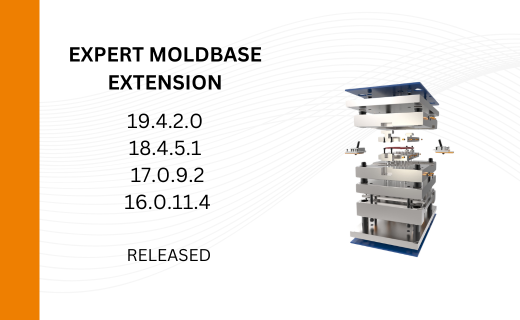
New Versionen for Expert Moldbase Extension 19.4.2.0, 18.4.5.1, 17.0.9.2, and 16.0.11.4 available!
-
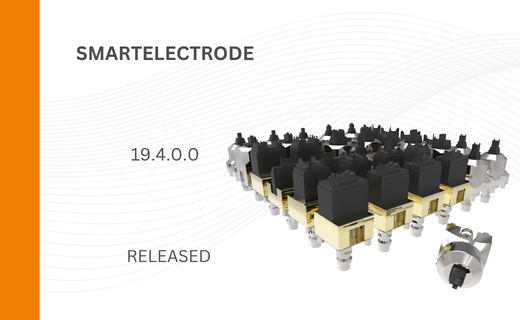
SMARTElectrode 19.4 for Creo Parametric 13 now available
-
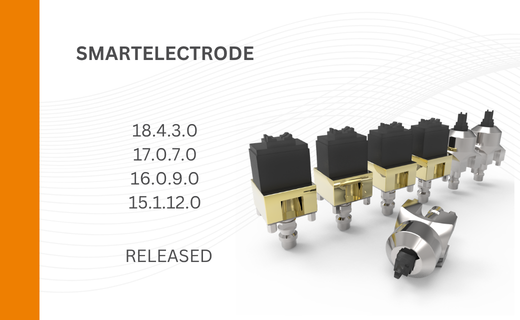
New SMARTElectrode Versions released
-
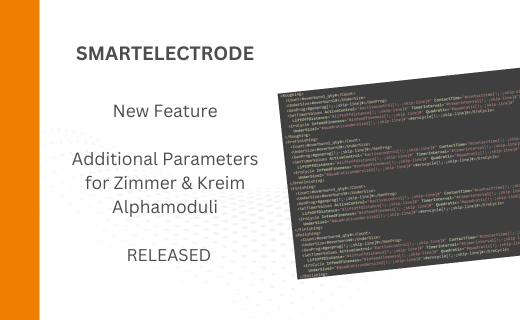
Technology Parameters for Interface to Zimmer & Kreim Alphamoduli
-
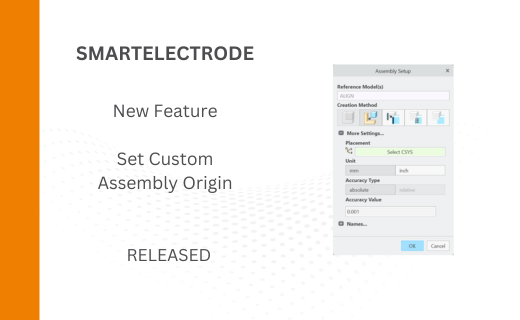
New Electrode Assembly with Custom Origin
-
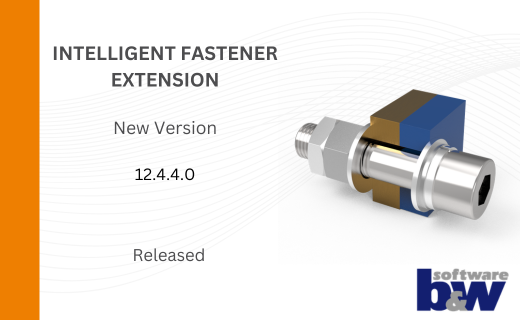
New Version for IFX out now!
-
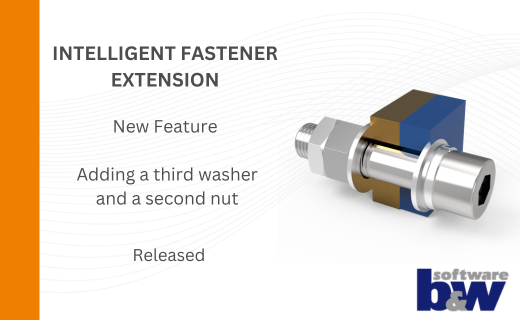
Additional Washer and Nut for IFX