Automatic Interference Check
Purpose
SMARTElectrode now offers two modes to check the electrodes for interferences during design. As a result, errors can be detected and corrected more quickly. A distinction is made between assemblies and active components..
Application
Activation in both supported modes via the buttons in the ribbon.
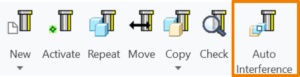 Assembly mode |
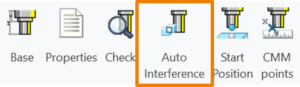 Active Component mode |
- When activated, the analysis is carried out directly.
- When deactivated, the current analysis results are retained but no longer displayed. The results remain accessible in the Burnsheet UI.
- The analysis takes into account electrode holders (quilts) in assembly mode.
- When used in active component mode, only the results for the active electrode are displayed and updated.
- Because of the negative impact on performance, the automatic check is paused within user interfaces and, if necessary, executed when closing.
Execution
The following actions in Creo Parametric lead to a recalculation of the interference check:
 Regenerate
- Create feature
- Suppress feature
- Resume feature
- Delete feature
- Change dimension (via regenerate)
Limitations
- Holders cannot be checked when the component is active.
- Redefine feature does not update the interference check. Must alternatively be started via Regenerate.
Defaults
- The option AUTO_INTERFERENCE_CHECK sets the behaviour in assembly mode.
- The option AUTO_INTERFERENCE_COMP_CHECK sets the behaviour in active component mode.
NoteWhen the interference check is activated in assembly, the option is automatically active in the component.
AvailibilityThe new functionality is available from Creo Parametric 4.0 to 9.0 in versions SMARTElectrode 15.1.2.0, 14.1.2.0, 13.1.2.0 and 12.1.2.0 for all electrode assemblies.
This could be interesting for you
-

PTC/USER Agenda
-

Fachkonferenz Digitalisierung 2026 in Stuttgart
-
Join us at PTC/USER Global Summit 2026
-
Review: User Meeting – Toolmaking in Creo 2025
-

Future of B&W has begun
-

No security alert of B&W License Server 11.19.1.0 regarding lmadmin
-

Potential issues in running B&W Software products in Creo 9.0 and 10.0
-

Meet us at the PTC/USER Global Summit 2024 in Orlando!
-
User Event Tooling 2023
-

Successful Windchill implementation project
-
New Logging Options
-
Improved translation of library files in IFX
-
New versions of the Expert Moldbase Extension (18.4.4.1, 17.0.9.0, 16.0.11.1, 15.0.5.5) are now available!
-
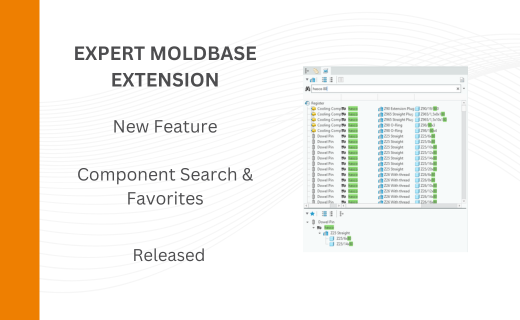
New Component Search in the Expert Moldbase Extension
-

MAIT Techworld Austria 2026 in Pasching
-
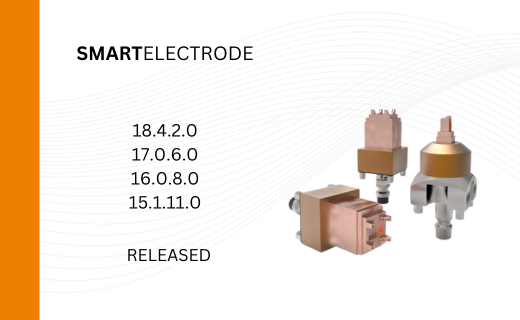
New SMARTElectrode Versions released
-
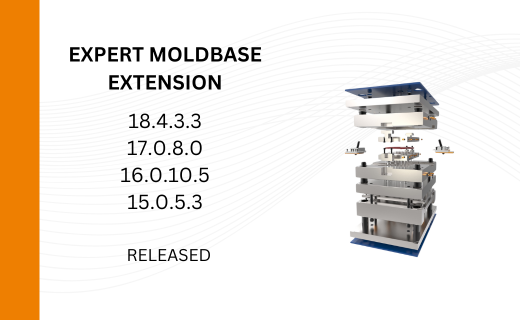
New Releases for Expert Moldbase Extension 18.4.3.3, 17.0.8.0, 16.0.10.5, 15.0.5.3 available!
-
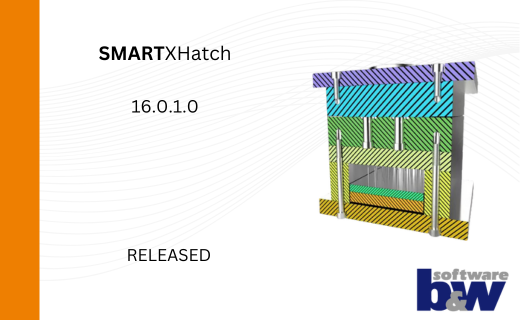
New function available in SMARTXHatch