Efficiently separate regions in SMARTElectrode
Purpose The new version of SMARTElectrode provides quick access to the “Split Region” feature. The command is available in electrodes and workpieces for the entire model, features, and surfaces.
Usage
In Prepare Dialog Box
- Open
 Prepare in active assembly.
 - Select option Separate Regions.
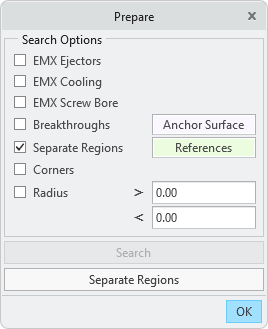
- Select references and confirm. Valid are surfaces, features or models.
- Activate button Separate Regions.
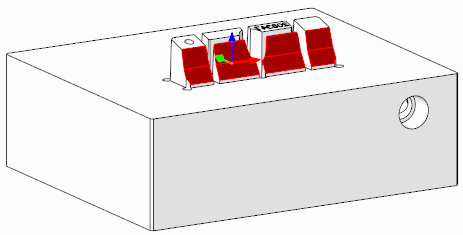
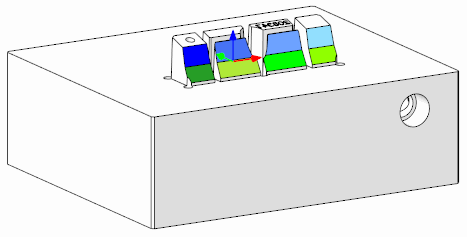
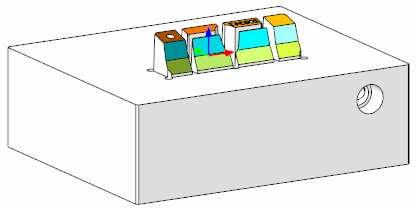
- A feature is created for each surface with disjoint regions in the selected references. The areas can then be edited independently.
- Result:
In Active Component
- Select surfaces, features or the entire model in the active component.
- Start command Surface Split via:
- SMARTElectrode ribbon
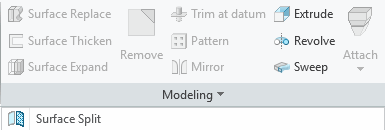
- Mini-toolbar in modeltree
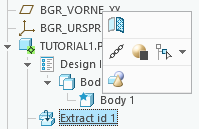
- Mini-toolbar in graphics window
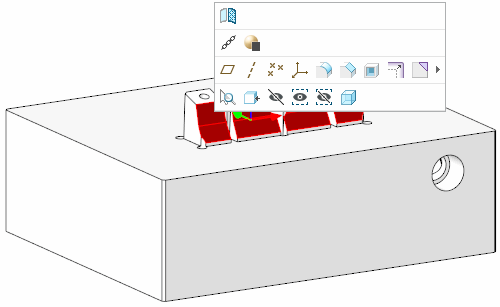
- SMARTElectrode ribbon
- A feature is created for each surface with disjoint regions in the selected references. The regions can then be edited independently.
In Cutout Dialog Box
- Select reference surfaces in active electrode mode.
- Activate command Cutout.
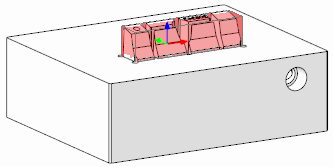
- If the evaluated solid is too large due to connected regions, click Close to exit the dialog. The originally selected surfaces remain selected.
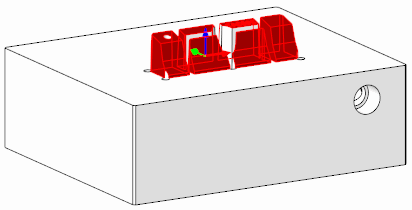
- Execute command Surface Split via ribbon or mini-toolbar.
- In the selected references, a feature is created in the respective workpiece for each surface with disjoint regions. Activating the workpiece component is not necessary. The areas can then be edited independently of each other.
- Result:
Availability
- Creo Parametric 11.0 – SMARTElectrode 17.0.3.0
- Creo Parametric 10.0 – SMARTElectrode 16.0.5.0
- Creo Parametric 9.0 – SMARTElectrode 15.1.8.0
- Creo Parametric 8.0 – SMARTElectrode 14.1.8.0
- Creo Parametric 7.0 – SMARTElectrode 13.1.8.0
This could be interesting for you
-
Nordic MBE Forum in Västerås
-
New Creo Version available
-

Review: PTC/USER 2026
-

Fachkonferenz Digitalisierung 2026 in Stuttgart
-

Join us at PTC/USER Global Summit 2026
-
Review: User Meeting – Toolmaking in Creo 2025
-

Future of B&W has begun
-

No security alert of B&W License Server 11.19.1.0 regarding lmadmin
-
Potential issues in running B&W Software products in Creo 9.0 and 10.0
-

Meet us at the PTC/USER Global Summit 2024 in Orlando!
-
User Event Tooling 2023
-
Successful Windchill implementation project
-
New SMARTElectrode Versions released
-
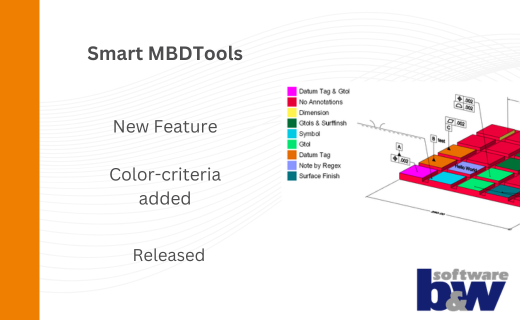
New Color-criteria in SmartMBDTools
-
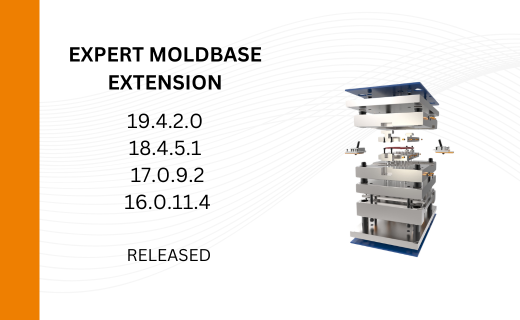
New Versionen for Expert Moldbase Extension 19.4.2.0, 18.4.5.1, 17.0.9.2, and 16.0.11.4 available!
-
SMARTElectrode 19.4 for Creo Parametric 13 now available
-
New SMARTElectrode Versions released
-
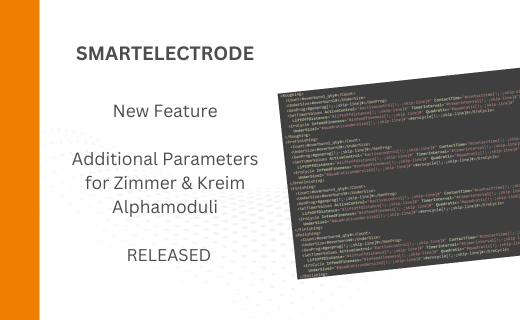
Technology Parameters for Interface to Zimmer & Kreim Alphamoduli
-
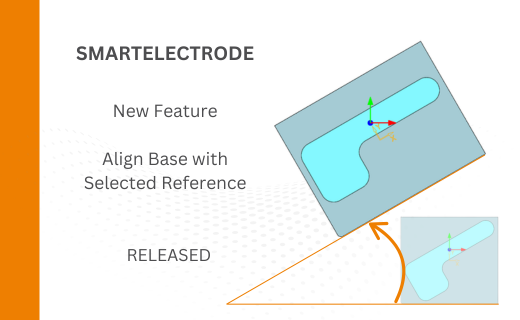
Align Base with Selected Surface
-
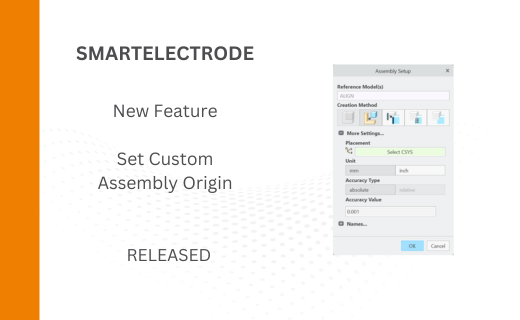
New Electrode Assembly with Custom Origin
-
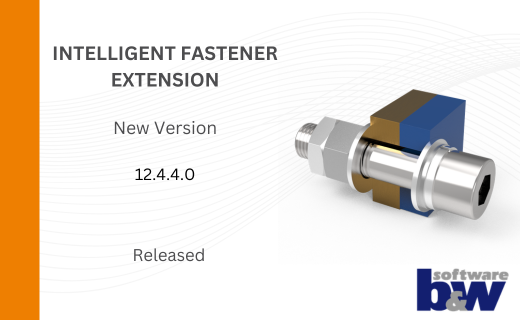
New Version for IFX out now!