Environment variables for configuration path
Through the environment variable you can decide where the configuration path of the software is located. Alternatives are separated by a semicolon. With this you can create different configurations for different customers or projects and quickly access them within the options dialog.
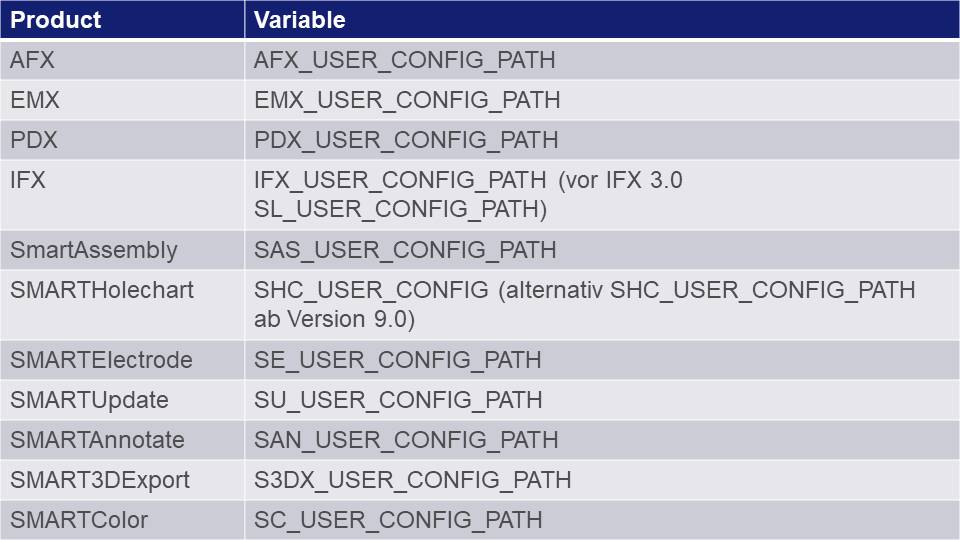
Overview on the products and the current environment variables for the configuration path.
Example of use
In the following there is a snippet of the Creo start script on the left. On the right there is the option dialog of application with three different configurations.
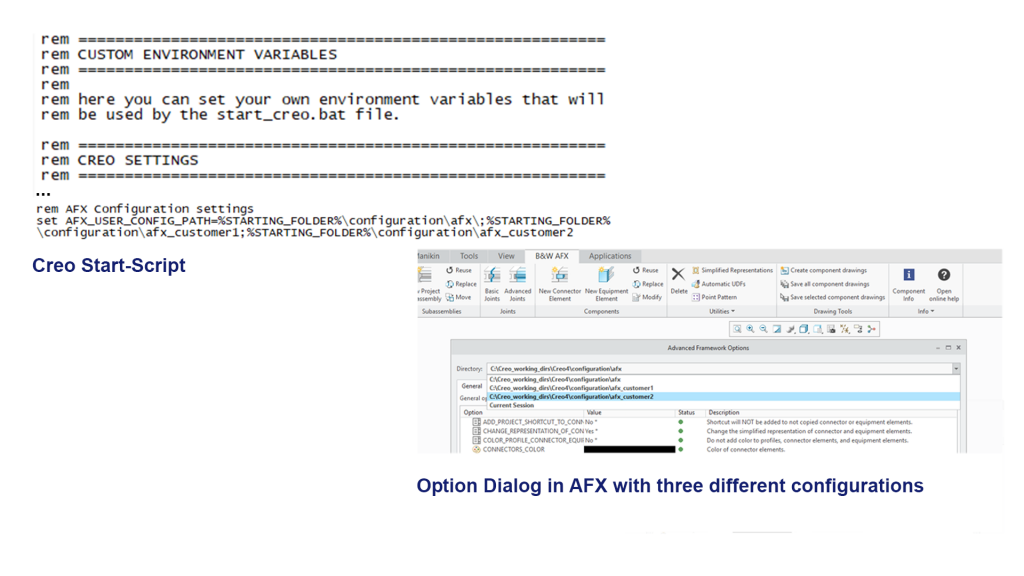
Example with three different environment variables in AFX.
This could be interesting for you
-

Nordic MBE Forum in Västerås
-
New Creo Version available
-

Review: PTC/USER 2026
-

Fachkonferenz Digitalisierung 2026 in Stuttgart
-

Join us at PTC/USER Global Summit 2026
-
Review: User Meeting – Toolmaking in Creo 2025
-

Future of B&W has begun
-

No security alert of B&W License Server 11.19.1.0 regarding lmadmin
-
Potential issues in running B&W Software products in Creo 9.0 and 10.0
-

Meet us at the PTC/USER Global Summit 2024 in Orlando!
-
User Event Tooling 2023
-

Successful Windchill implementation project
-
New SMARTElectrode Versions released
-
New Color-criteria in SmartMBDTools
-
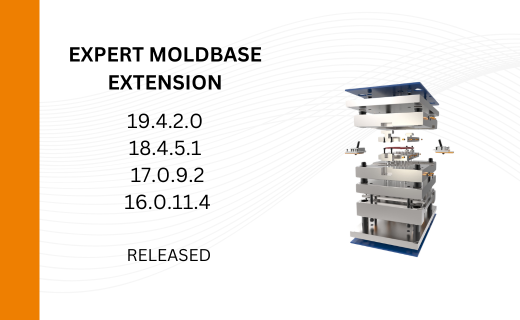
New Versionen for Expert Moldbase Extension 19.4.2.0, 18.4.5.1, 17.0.9.2, and 16.0.11.4 available!
-
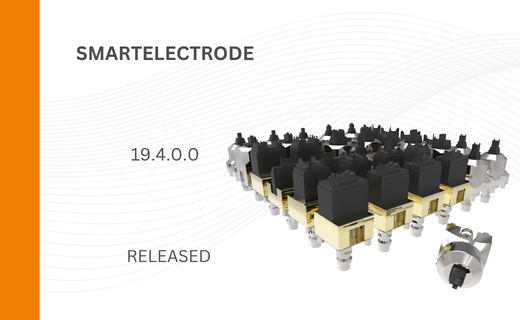
SMARTElectrode 19.4 for Creo Parametric 13 now available
-
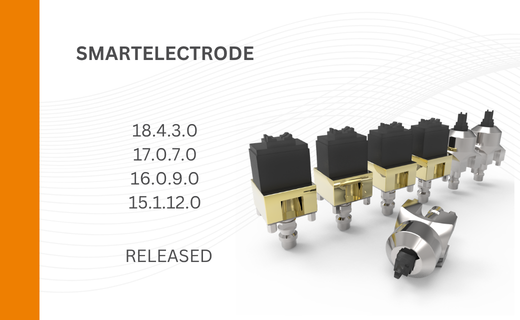
New SMARTElectrode Versions released
-
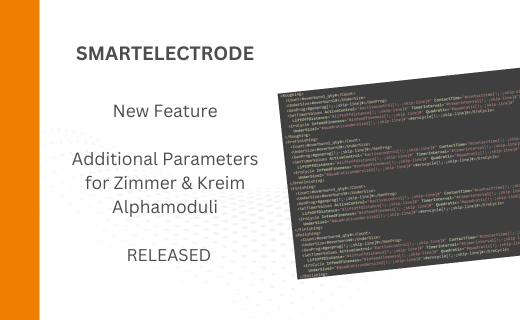
Technology Parameters for Interface to Zimmer & Kreim Alphamoduli
-
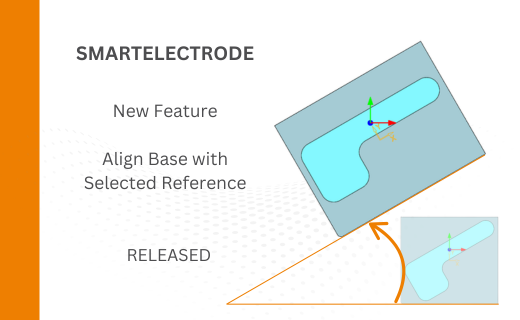
Align Base with Selected Surface
-
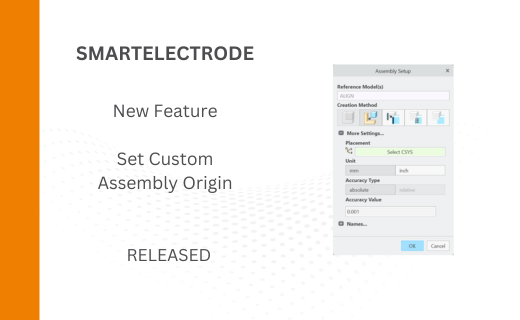
New Electrode Assembly with Custom Origin
-
New Version for IFX out now!