New User Interface to Edit Selection Lists in SMARTElectrode
Purpose The new auxiliary dialog allows you to edit selection lists directly in the SMARTElectrode user interface without manually changing configuration files.
Usage
- Open user interface
 Edit Parameter.
 - The dialog box for the parameter configuration appears.
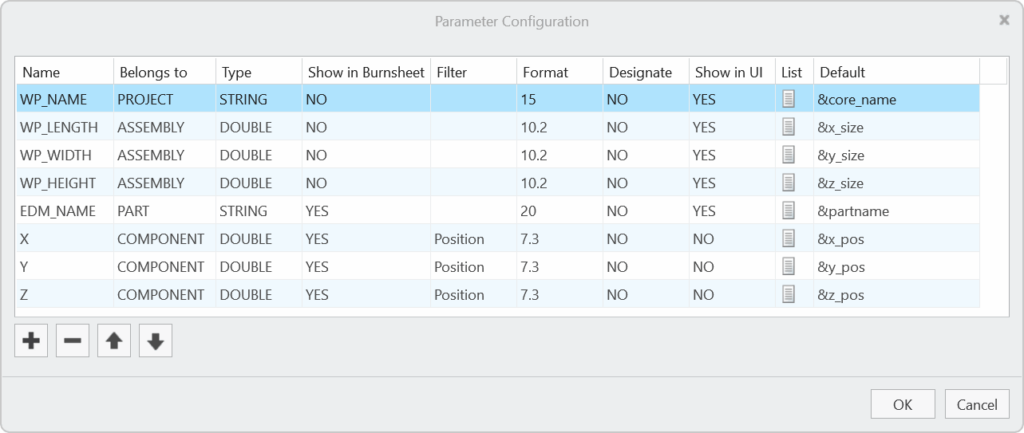
- Activate the selection list
 for selected parameter by double-clicking.
 - The user interface for editing the selection list appears:
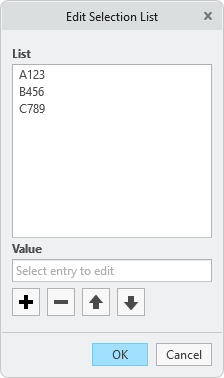
- The following actions are available:
- edit selected value
 insert a copy of selected value below
 remove selected value
 move selected value upwards
 move selected value downwards
- Confirm the selection list with OK to save the changes to configuration or close the dialog with Cancel to return to the parameter configuration without saving.
Notes
- The first value in the list is the default value that is automatically assigned to a new parameter of this name.
Availability
- Creo Parametric 11.0 – SMARTElectrode 17.0.2.0
- Creo Parametric 10.0 – SMARTElectrode 16.0.4.0
- Creo Parametric 9.0 – SMARTElectrode 15.1.7.0
- Creo Parametric 8.0 – SMARTElectrode 14.1.7.0
- Creo Parametric 7.0 – SMARTElectrode 13.1.7.0
This could be interesting for you
-
New Creo Version available
-

Review: PTC/USER 2026
-

Fachkonferenz Digitalisierung 2026 in Stuttgart
-

Join us at PTC/USER Global Summit 2026
-
Review: User Meeting – Toolmaking in Creo 2025
-

Future of B&W has begun
-

No security alert of B&W License Server 11.19.1.0 regarding lmadmin
-

Potential issues in running B&W Software products in Creo 9.0 and 10.0
-

Meet us at the PTC/USER Global Summit 2024 in Orlando!
-
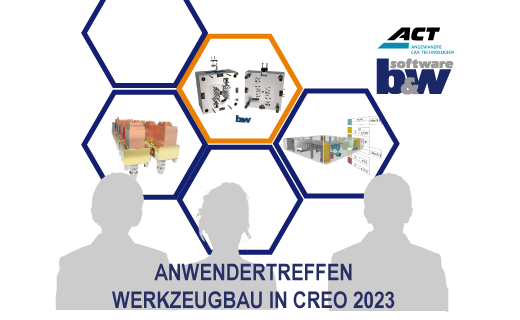
User Event Tooling 2023
-

Successful Windchill implementation project
-
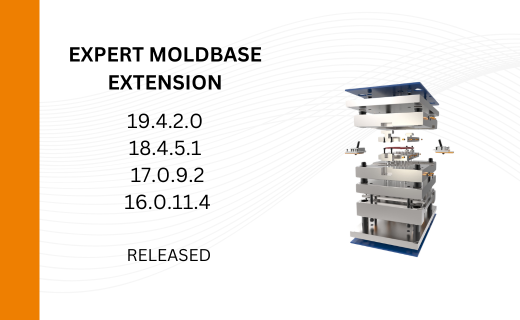
New Versionen for Expert Moldbase Extension 19.4.2.0, 18.4.5.1, 17.0.9.2, and 16.0.11.4 available!
-
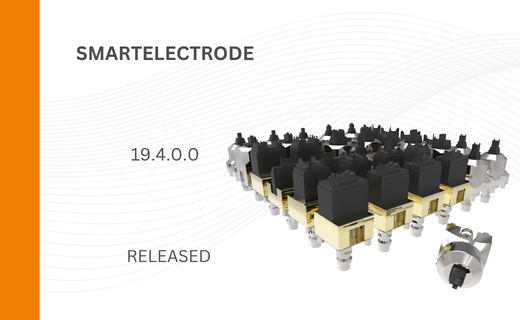
SMARTElectrode 19.4 for Creo Parametric 13 now available
-
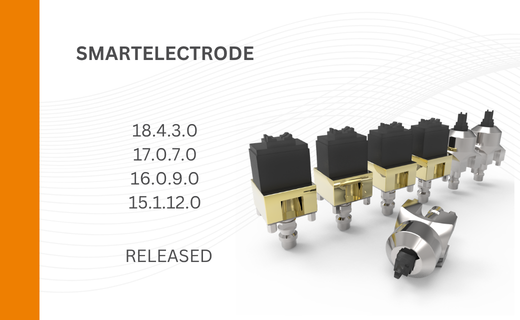
New SMARTElectrode Versions released
-
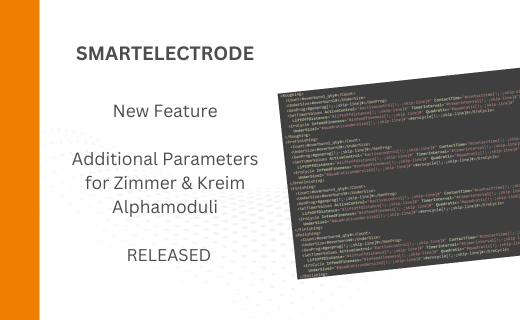
Technology Parameters for Interface to Zimmer & Kreim Alphamoduli
-
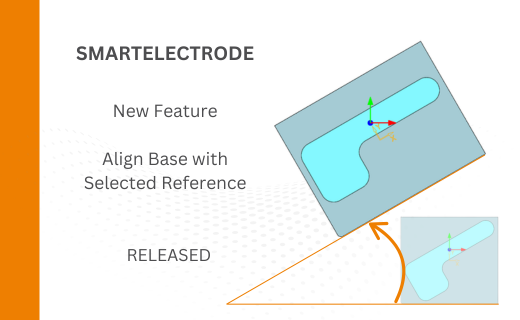
Align Base with Selected Surface
-
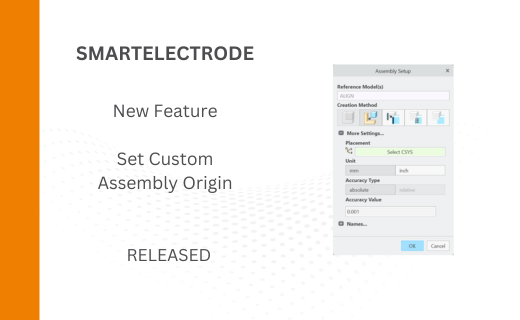
New Electrode Assembly with Custom Origin
-
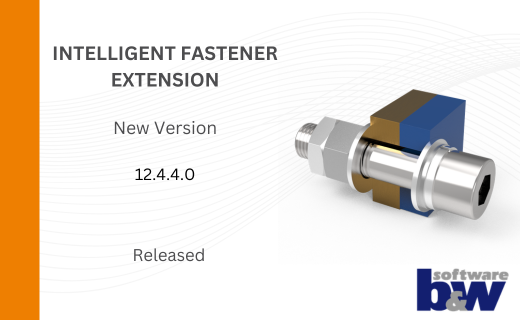
New Version for IFX out now!
-
Additional Washer and Nut for IFX
-
New Logging Options
-
Improved translation of library files in IFX