Dynamic Editing of Cutout Features
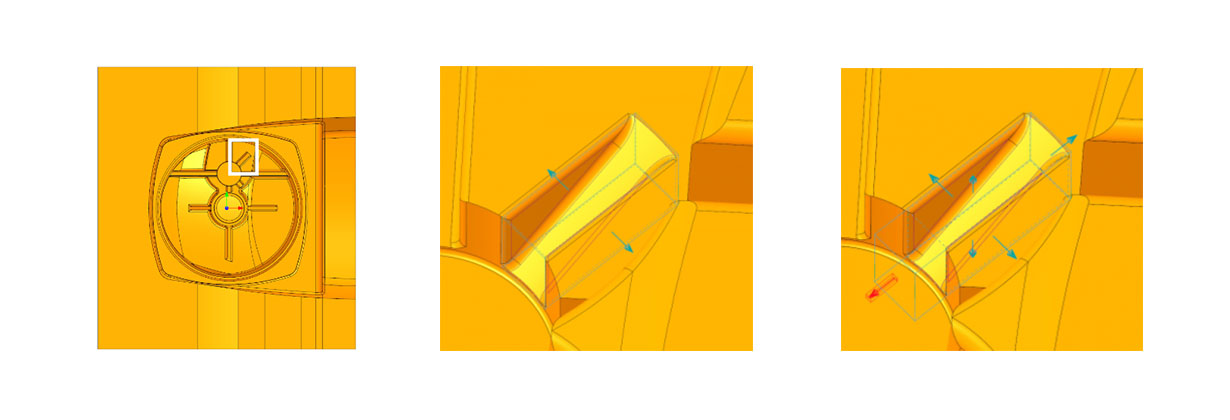
In SMARTElectrode 12.0.2.0, size and position can be changed dynamically after selecting the geometry.
Application of dynamic editing
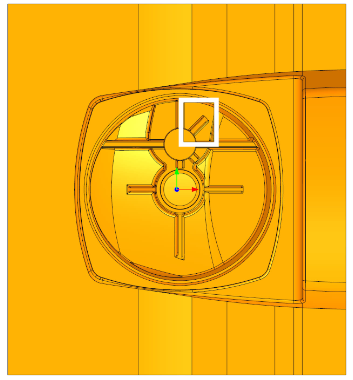
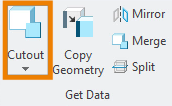
After selecting the surface for manufacturing, the definition of the cutout can begin using the command. The respective selected coordinate or dimension is highlighted in the object window.
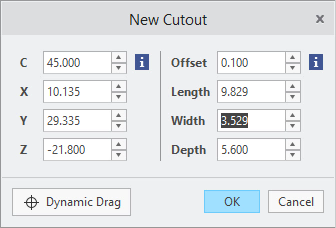
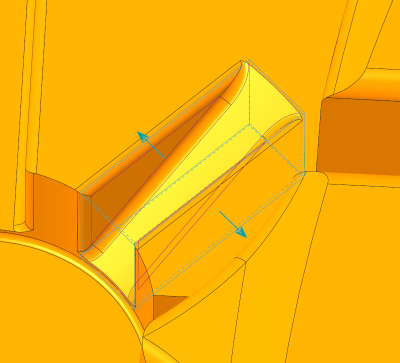
When the “Dynamic Drag” button is pressed, drag elements are displayed that can be moved by holding down the left mouse button. The size and position are adjusted directly.
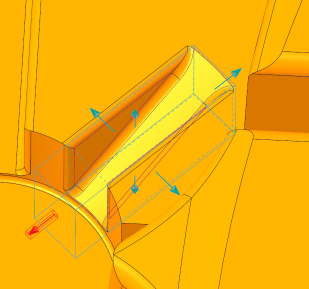
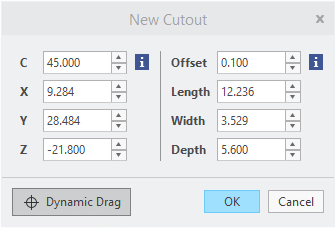
The cutout is created with “OK”. Already created cutouts can be redefined later in this way. This function allows a more flexible use of the cutout feature in SMARTElectrode.
Video

Mit dem Laden des Videos akzeptieren Sie die Datenschutzerklärung von YouTube.
Mehr erfahren
Availability
From version SMARTElectrode 12.0.2.0 on, the dynamic editing of the cutouts is available for all electrode assemblies.
This could be interesting for you
-
New Creo Version available
-

Review: PTC/USER 2026
-

Fachkonferenz Digitalisierung 2026 in Stuttgart
-

Join us at PTC/USER Global Summit 2026
-
Review: User Meeting – Toolmaking in Creo 2025
-

Future of B&W has begun
-

No security alert of B&W License Server 11.19.1.0 regarding lmadmin
-

Potential issues in running B&W Software products in Creo 9.0 and 10.0
-

Meet us at the PTC/USER Global Summit 2024 in Orlando!
-
User Event Tooling 2023
-
Successful Windchill implementation project
-
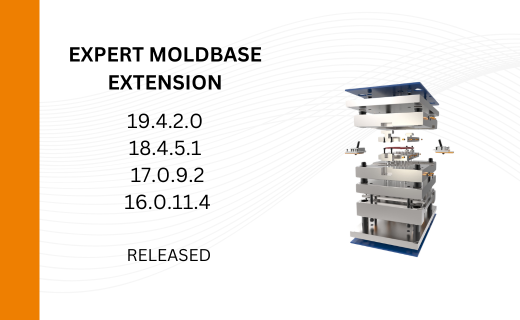
New Versionen for Expert Moldbase Extension 19.4.2.0, 18.4.5.1, 17.0.9.2, and 16.0.11.4 available!
-
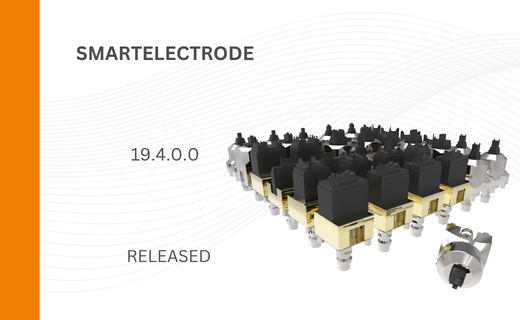
SMARTElectrode 19.4 for Creo Parametric 13 now available
-
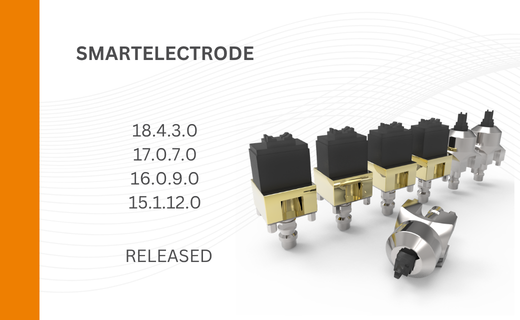
New SMARTElectrode Versions released
-
Technology Parameters for Interface to Zimmer & Kreim Alphamoduli
-
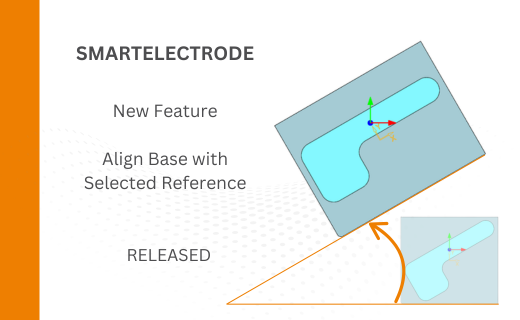
Align Base with Selected Surface
-
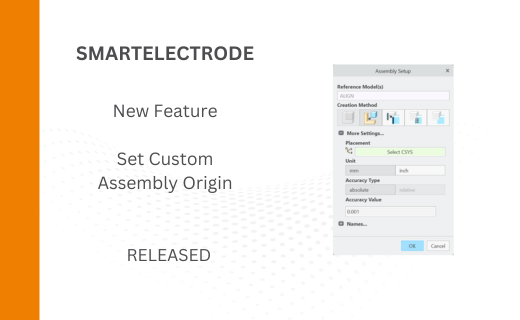
New Electrode Assembly with Custom Origin
-
New Version for IFX out now!
-
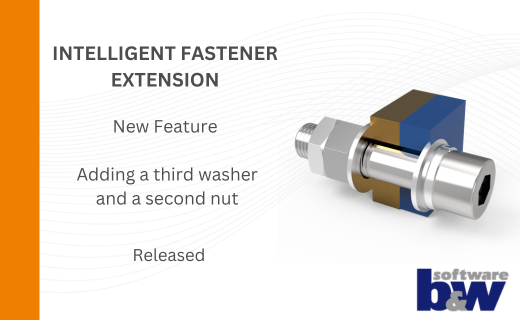
Additional Washer and Nut for IFX
-
New Logging Options
-
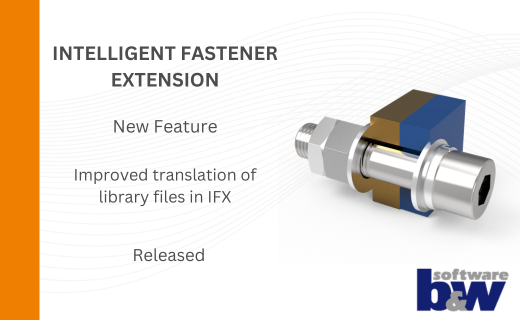
Improved translation of library files in IFX