Note about issues with digitally signed B&W applications
During the past months, we received a small number of reports describing issues with loading IFX or AFX during Creo startup. Analyzing the problem, we found that the code signature we’re using seems to be lacking compatibility with very old, unpatched versions of Windows or Windows Server that don’t have internet connectivity.
The signature can be understood as a notarial certification for data. It ensures that software originates from the vendor designated in the signing certificate and aids with malware detection. This mechanism is mandatory for Creo addons since Creo version 7 – including the packaged B&W products IFX and AFX. When checking the signature, the certificate authority must be known to the operating system – i.e. the “notary” must be included in the operating system’s list of “notaries”. We checked this using recent operating system versions when we introduced code signing for B&W applications. However, the certificate authority for our signing certificate was obviously not included in very early versions of Windows 10, but added with a later update. The impacted systems were disconnected (“air-gapped”) from the internet and not patched to an up-to-date version. Hence, the missing certificate authority led to said problems during Creo startup.
Not only because of this, we recommend taking care of running an up-to-date operating system version. Recent patch versions of Windows should not be affected by those problems. PTC published two workarounds in a support article: The certificate authorities ‘Certum CA’ as well as ‘Certum Trusted Network CA’ can either be added to the operating system manually, or AFX and IFX can be disabled using config.pro options, if not used. Details can be found in the linked article.
Tags
This could be interesting for you
-
New Creo Version available
-

Review: PTC/USER 2026
-
Fachkonferenz Digitalisierung 2026 in Stuttgart
-

Join us at PTC/USER Global Summit 2026
-
Review: User Meeting – Toolmaking in Creo 2025
-
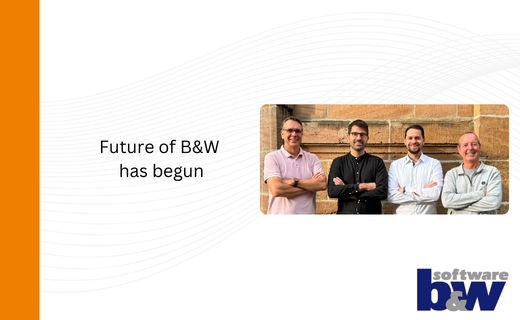
Future of B&W has begun
-

No security alert of B&W License Server 11.19.1.0 regarding lmadmin
-
Potential issues in running B&W Software products in Creo 9.0 and 10.0
-

Meet us at the PTC/USER Global Summit 2024 in Orlando!
-
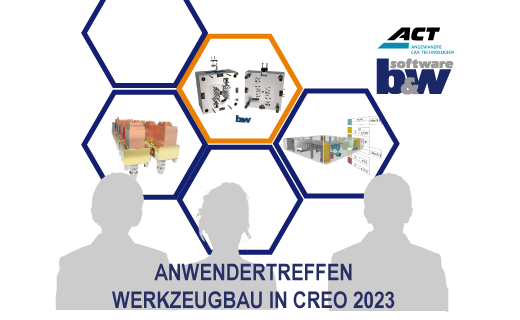
User Event Tooling 2023
-

Successful Windchill implementation project
-
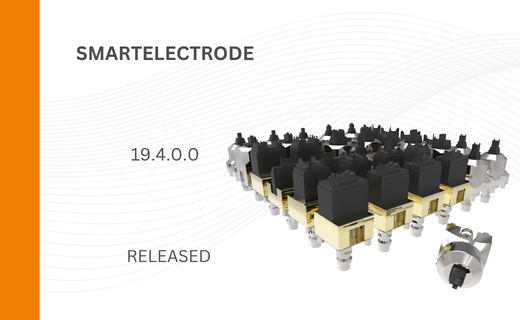
SMARTElectrode 19.4 for Creo Parametric 13 now available
-
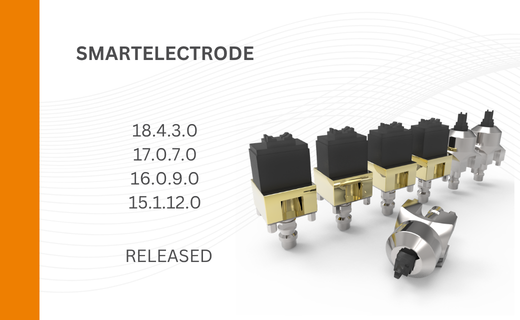
New SMARTElectrode Versions released
-
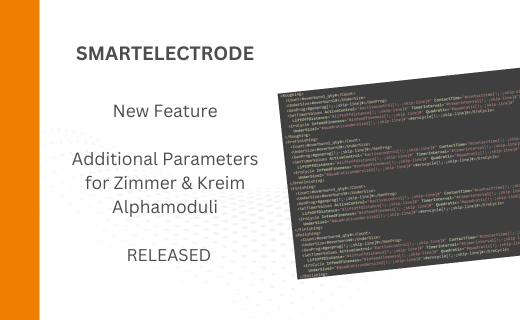
Technology Parameters for Interface to Zimmer & Kreim Alphamoduli
-
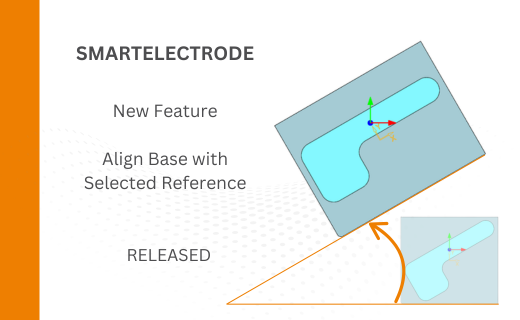
Align Base with Selected Surface
-
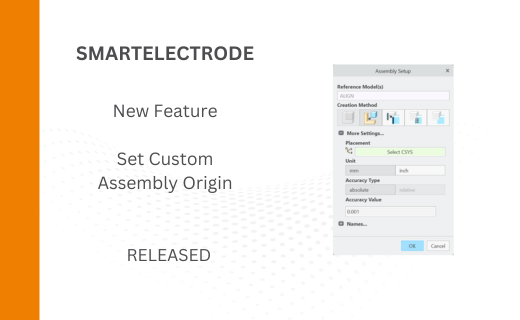
New Electrode Assembly with Custom Origin
-
New Version for IFX out now!
-
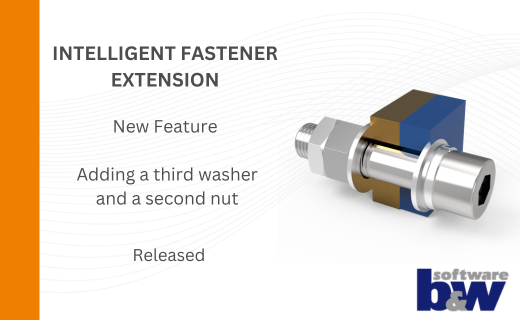
Additional Washer and Nut for IFX
-
New Logging Options
-
Improved translation of library files in IFX
-
PTC/USER Agenda