Rename Assemblies in Workspace
Purpose It is now possible to change the name of the assembly, reference model and electrodes in the assembly settings in the active workspace. This is useful for adjusting the naming scheme in a copied assembly.
Usage
- Open
 Assembly for the current electrode assembly.
 - The user interface for the assembly settings appears.
- Adjust names:
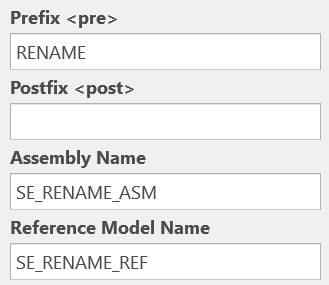
The prefix, postfix, assembly name and/or reference part name can be adjusted. - Confirm changes with OK.
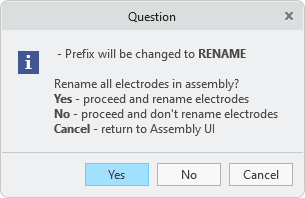
- When changing the Prefix or Postfix, the user can decide whether existing electrodes should be renamed or changed names should only be applied to new electrodes.
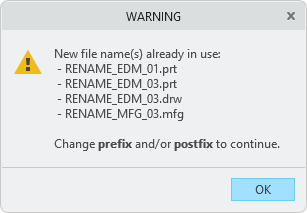
- In case of a naming conflict, a warning message appears and the input mask is displayed for correction after confirmation.
- A summary is displayed before the actions are carried out. The user can return to the dialog through Cancel.
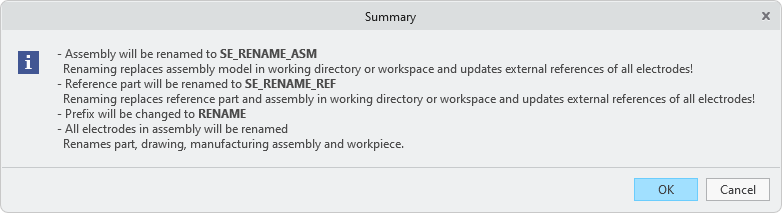
- The renaming is carried out for the active assembly, including associated data (drawing, manufacturing assembly). Necessary parameter values are also updated.
Notes
- The renaming is only applied to the active assembly. SMARTElectrode does not check all files in workspace.
- The files in the workspace are changed – even if they are only partially renamed. If electrodes that have not been renamed are to be reused unchanged, they must be replaced by the originals in the workspace.
- Suppressed electrodes are skipped when renaming.
- Electrodes reused from different assemblies are skipped when renaming.
- Electrodes with user-defined names are given a name according to the new naming format.
Availability
- Creo Parametric 11.0 – SMARTElectrode 17.0.2.0
- Creo Parametric 10.0 – SMARTElectrode 16.0.4.0
- Creo Parametric 9.0 – SMARTElectrode 15.1.7.0
- Creo Parametric 8.0 – SMARTElectrode 14.1.7.0
- Creo Parametric 7.0 – SMARTElectrode 13.1.7.0
This could be interesting for you
-
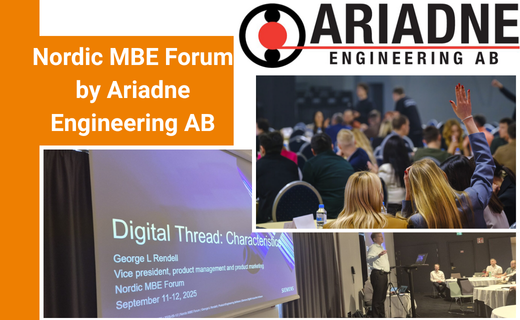
Nordic MBE Forum in Västerås
-
New Creo Version available
-

Review: PTC/USER 2026
-

Fachkonferenz Digitalisierung 2026 in Stuttgart
-

Join us at PTC/USER Global Summit 2026
-
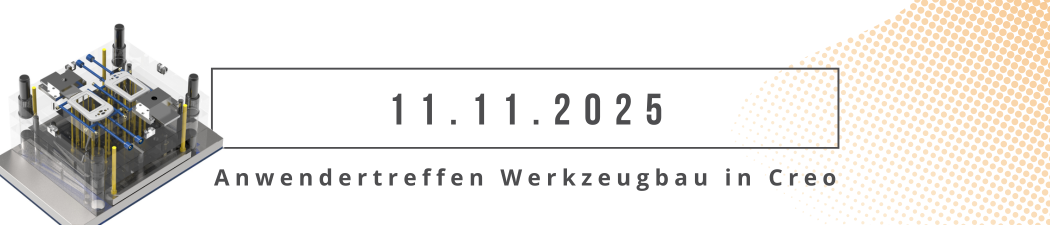
Review: User Meeting – Toolmaking in Creo 2025
-

Future of B&W has begun
-

No security alert of B&W License Server 11.19.1.0 regarding lmadmin
-
Potential issues in running B&W Software products in Creo 9.0 and 10.0
-

Meet us at the PTC/USER Global Summit 2024 in Orlando!
-
User Event Tooling 2023
-

Successful Windchill implementation project
-
New SMARTElectrode Versions released
-
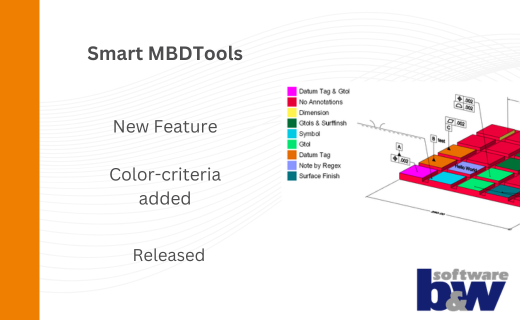
New Color-criteria in SmartMBDTools
-
New Versionen for Expert Moldbase Extension 19.4.2.0, 18.4.5.1, 17.0.9.2, and 16.0.11.4 available!
-
SMARTElectrode 19.4 for Creo Parametric 13 now available
-
New SMARTElectrode Versions released
-
Technology Parameters for Interface to Zimmer & Kreim Alphamoduli
-
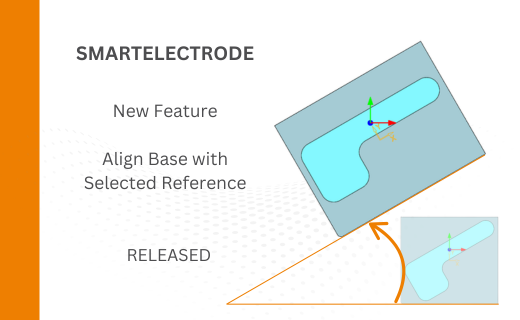
Align Base with Selected Surface
-
New Electrode Assembly with Custom Origin
-
New Version for IFX out now!